
Make a story move.
A desktop studio for turning an idea into an animated short, with an AI agent beside you.

Shape the cut and the voice.
Explore an editing concept and listen to a sample narration for the same short.

“Bring the streetlight reveal forward.”


Edit with an agent
Sample narration
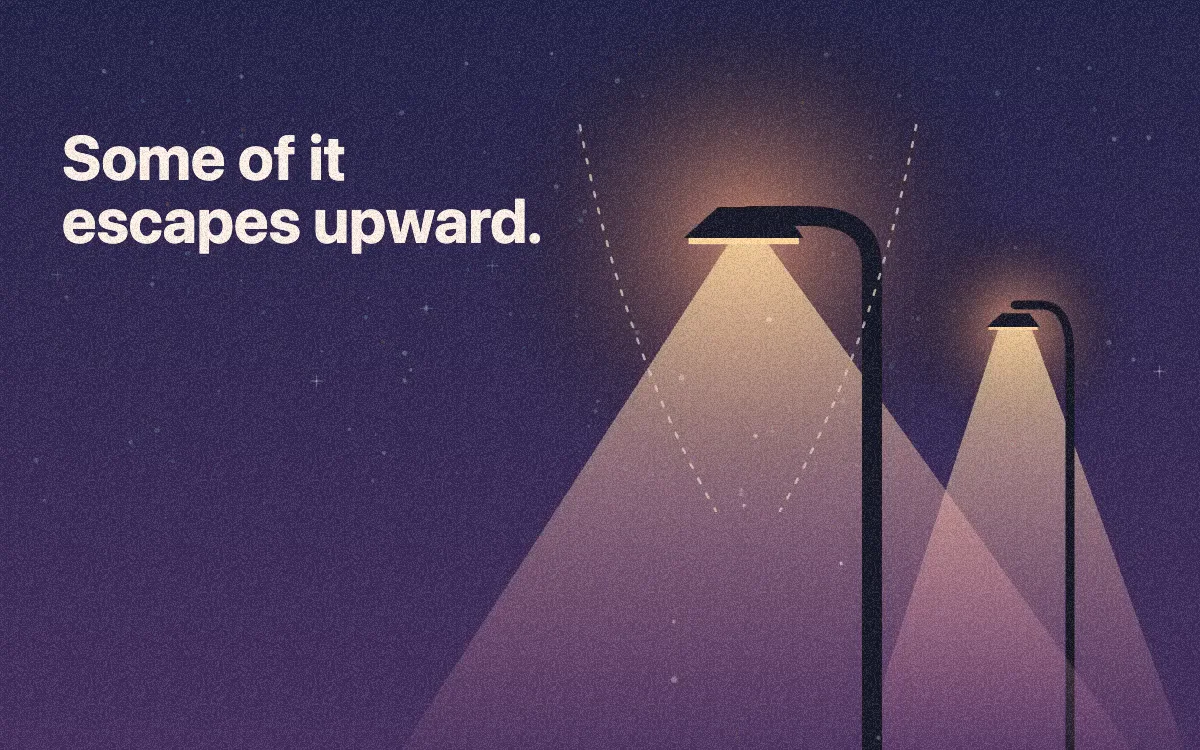
When a city goes to sleep, its lights don’t. Some of that light spills back into the sky.
Review the narration
Caption drafts
Reusable styles
Creative plugins
Make your own animated shorts.
Create a Canvas short.
Work through it shot by shot.
Draw a scene from a prompt.
Follow the work from brief to review.
Hand off a creative task and follow your agent’s progress from the shot outline to the preview.
I want to explain Angular vs. Vue to beginners.
Agent Activity
Agent- Explore directions. In progress.
- Build the scene. Queued.
- Check the result. Queued.
Illustrative workflow
A studio you can extend.
Start with the skills in me studio. Keep the work in project files and add tools as you need them.
Start with a creative skill.
Storytelling
Write the script and plan the shots
HTML Canvas
Build an editable motion scene
Video export
Render and trim an MP4
Connect your workspace tools.
Browser
Open sources and visual references
Terminal
Run commands in your workspace
Custom MCP
Connect your own tools
Keep the editable source.
Use your own model.
Connect your own provider today. We’re planning Melearn API credits for model and voice usage.
Download me studio.
Choose your desktop platform to see what’s available.
Preview in preparation
Try a starter prompt
Make a short explainer about why stars disappear over cities. Show me a three-shot storyboard before building the HTML Canvas scene.